Last week I finally treated myself to a drawing tablet! After years of putting it off, I ended up getting a cheap Huion tablet off Ebay for less than £10 – why didn’t I do this sooner? As someone with close to zero digital art experience, it was a daunting but exciting process, to pick up something familiar but new enough to scramble your brain a little. I’ve decided to share the steps I’ve taken to get comfortable with the medium and create my first digital art piece ૮ ˶ᵔ ᵕ ᵔ˶ ა
1. Have a play around
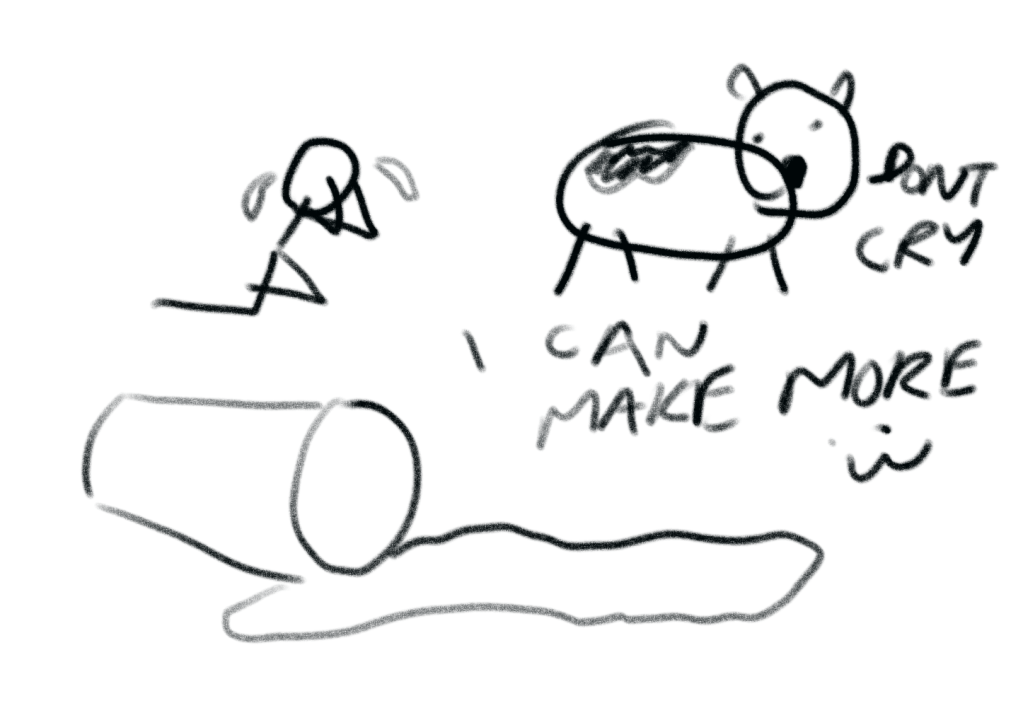
Hooray the tablet arrived! I went straight to Krita, a free and open source painting programme that I’d 100% recommend. I was so incredibly excited I instantly jumped to digitising one of my recent sketches of a tree, tracing over it meticulously. This was when I ran into my biggest hurdle with digital art – perfectionism. After realising I’d spent over two frustrating hours on line work, I decided to take on a more playful approach, which was to mess around intuitively with different brushes and tools. This was also when I discovered my favourite way to practice yet, through many silly rounds of Pictionary with my boyfriend.
2. Get some (limited) help with the basics
Once I was ready to create more than silly drawings, it felt right to turn towards someone with more expertise. In this digital age, it took me a few seconds to type in some key words and voila! free tutorials on YouTube, all from the comfort of my sofa. However, I also knew myself enough to avoid succumbing to the pits of tutorial hell, picking out just two short tutorials under 15 minutes which taught me about layers, clipping and alpha locking.
3. Reconstruct someone else’s work
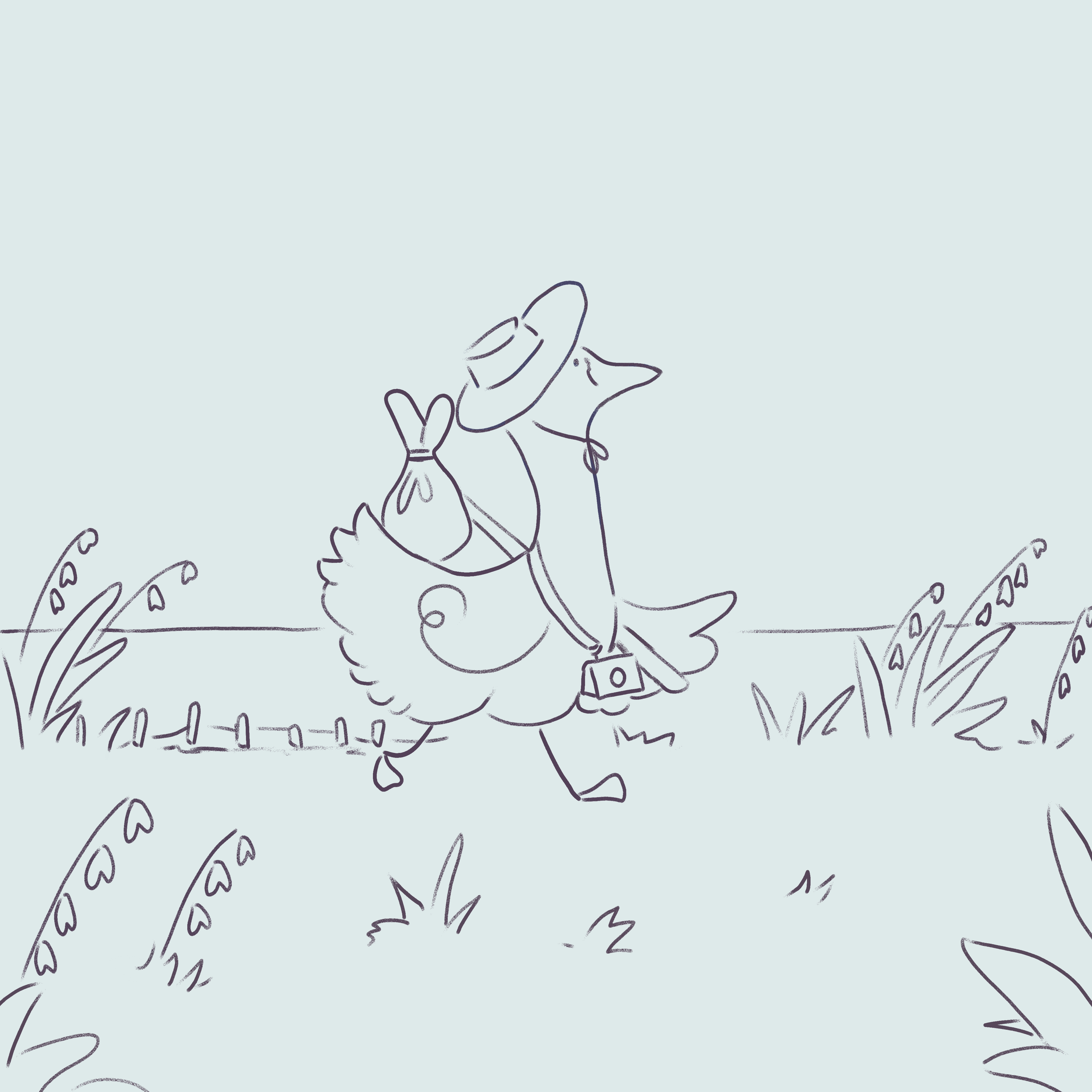
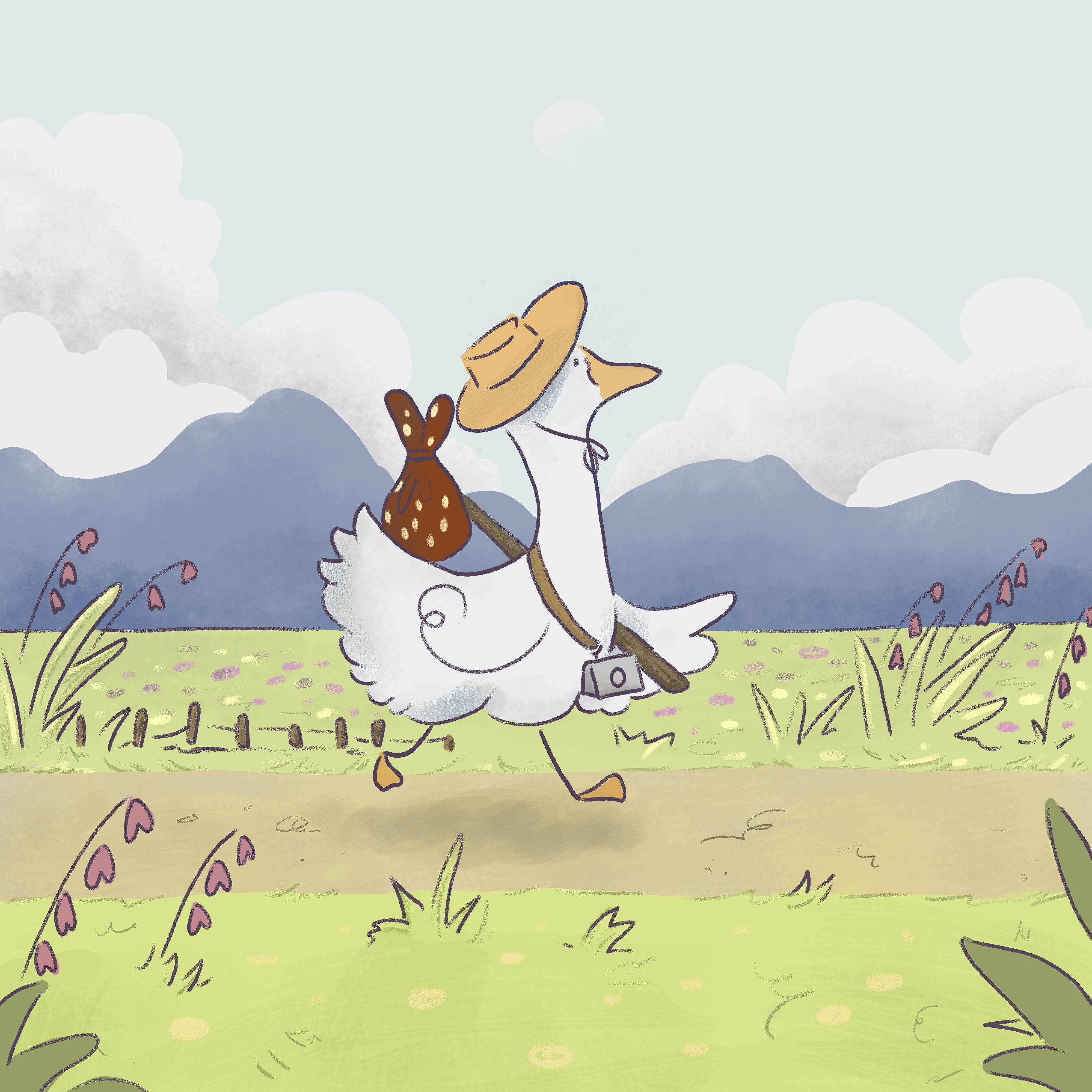
Learning from my frustrating experience in step one, I turned to another artist’s work to practice and build confidence. I chose a piece by @angryseagullnoises on Instagram, which embraces simple shapes and colours. I found this to be a very effective way to combat perfectionism – with it not being my own work or vision, I didn’t find myself being so critical of it. It meant I could focus on the technical aspects, learning to add fun textures and create depth, while organising my file into logical groups and layers.
4. Time to create original art!
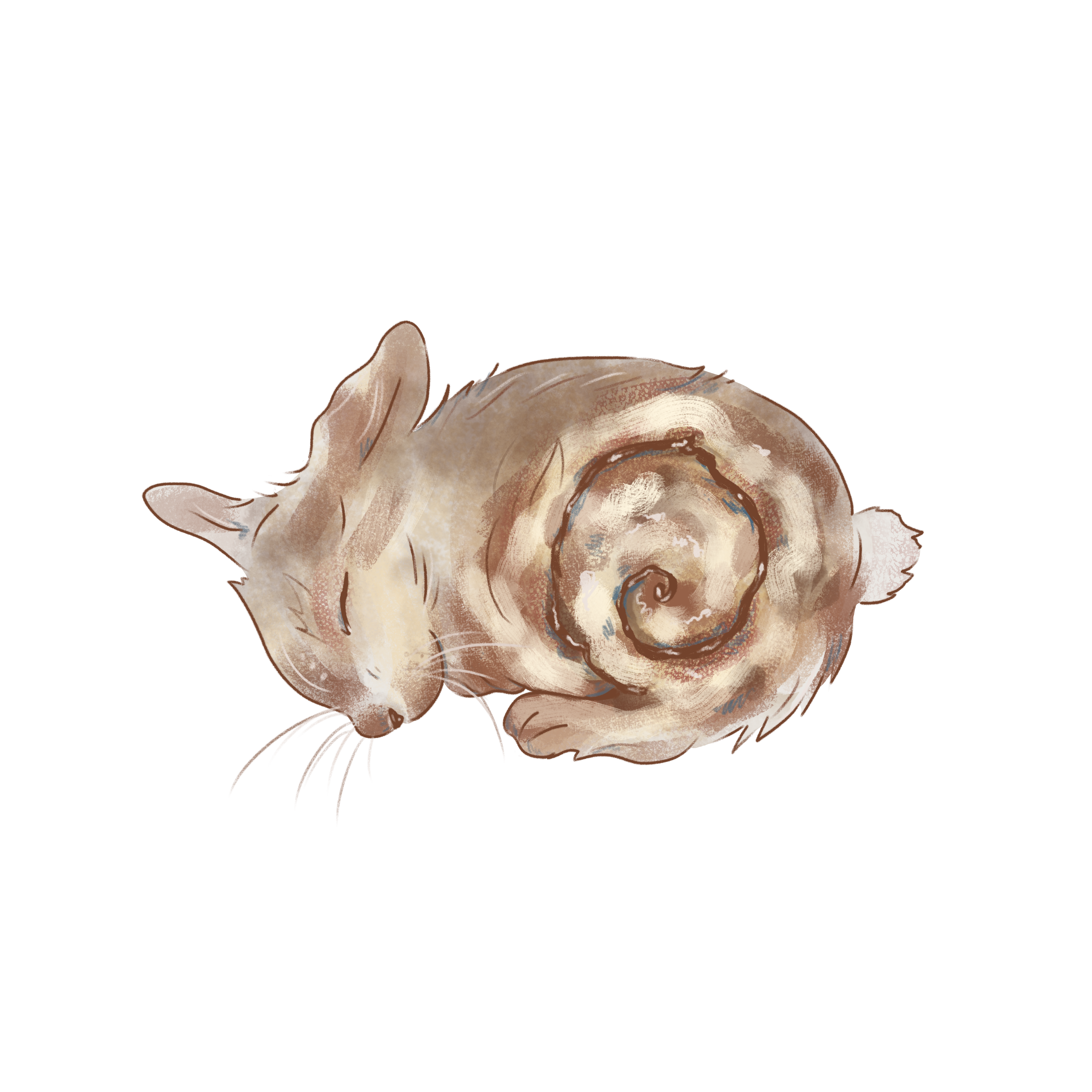
Finally the time felt right! Again, I was careful not to let myself get overly ambitious (I think I ended up doing that anyway). I whipped up a cute concept – cinnabunny (bunny in the shape of a cinnamon bun? isn’t that such an amazing idea?!) using reference pictures from Pinterest. It unfortunately came out a little less adorable and more… roadkill-esque than anticipated. I scrapped the original idea and focused on painting a regular furry bunny, the result of which I’m incredibly pleased with!
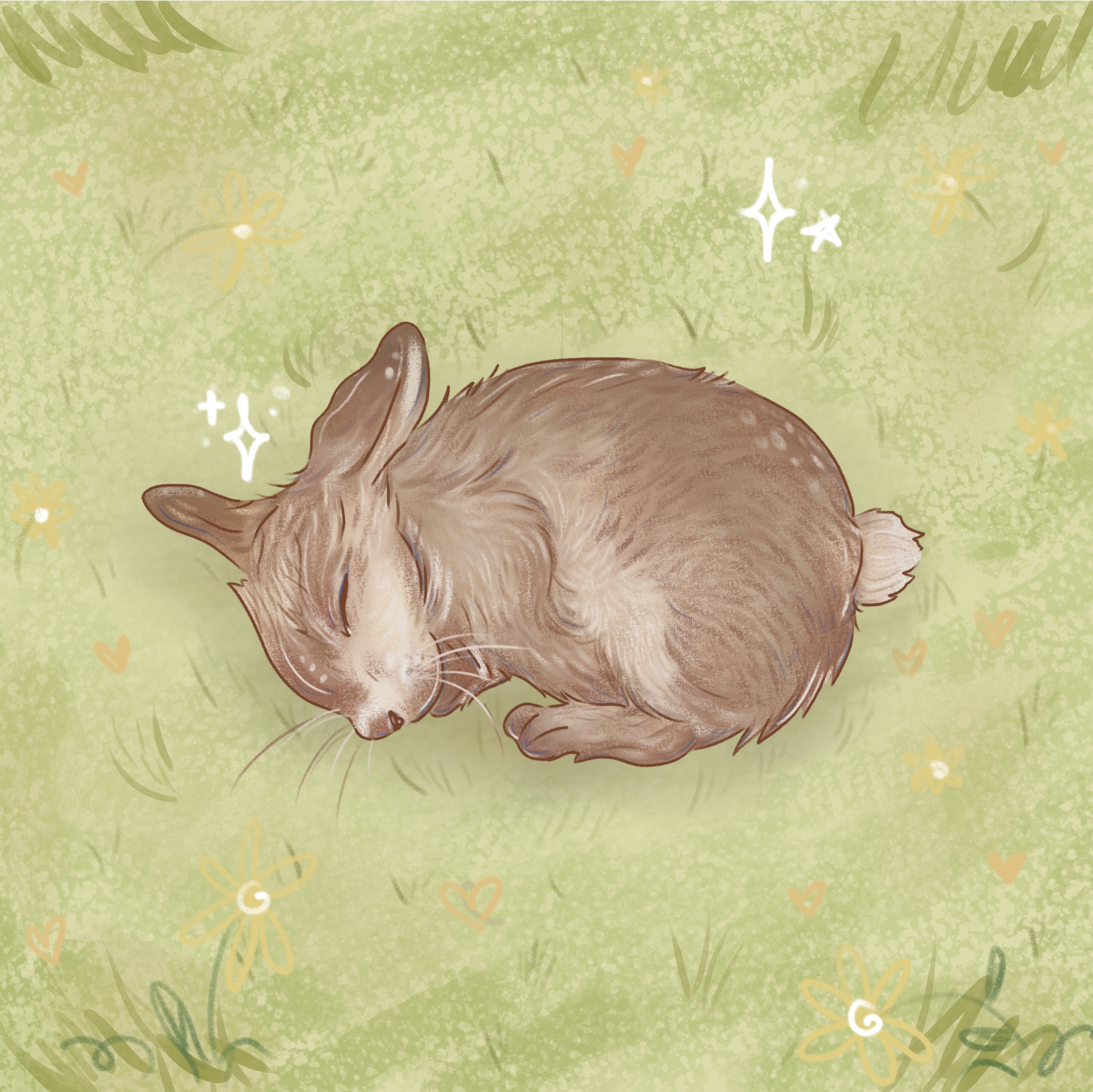
This has been such a fun experience and I’m so excited to make more digital art (and potentially explore animation!) There are so many advantages to this medium, for instance the ability to easily flip the canvas to check for weird proportions, which I had to achieve with traditional paintings by holding them in front of a mirror. I also love the ability to pick, match and alter colours without the need to be messy with paints, or worrying about vibrance and opacity.
However, one major drawback for me is the ability to completely erase through the addictive magic of ctrl+z, which brings out the worst of my perfectionist impulse. With watercolour painting, I can agonise over each brush stroke but once I’d placed it, I can accept its finality and move on; whereas digitally, I can find myself stuck in an hour-long loop trying to redraw the perfect 2 cm swoop. I also find myself missing the tactile qualities of traditional art, such as the ability to run my hands through different materials and textures, or hear the therapeutic scratching sound of pen on paper. While I’m glad I’ve added this new medium to my toolkit, I definitely won’t be abandoning traditional art any time soon!
✦· ๑ ·✦
 Dalzey
Leave a comment